Humanizing the IT Experience From the Start
As more and more organizations adopt an employee choice model for work devices, more and more users are choosing Apple products at work. Because they already use these devices at home, they bring a sense of familiarity and comfort to the workplace—often resulting in increased productivity. At Foundation Technologies, we help our clients humanize their users’ IT experience, starting the moment they unbox and power on their new devices.
Recently, Jamf hosted JNUC, the Jamf Nation User Conference. One of the major themes of the week was automation—showcasing tools that help organizations get their users off to a fast start with minimal effort from IT, while still creating a personalized experience unique to each user. In this post we’ll take a look at several ways organizations can customize the Mac onboarding experience, giving users the tools they need to do their jobs and keeping them informed from day one.
Let’s start at the very beginning: Apple Business Manager
Apple Business Manager is a free online portal where admins can purchase devices and apps on behalf of their organization. It is also the starting point for setting up Automated Device Enrollment, where devices can automatically enroll themselves into device management services like Jamf, Intune, Iru, and others. As soon as a device connects to the internet and activates, it knows exactly where to go to begin its management journey.
Who are you? Integrating an Identity Provider (IdP)
Once an organization has decided on a device management solution, the next step is to integrate their Identity Provider. Most modern IdPs can be integrated with device management servers in order to populate inventory data for devices that are assigned to users. They can also allow users to create accounts using their Entra, Google, or Okta credentials and sync their passwords so that they don’t end up with different passwords for their computer and work accounts. Finally, a organization-branded sign in portal at enrollment helps set the expectation that it is a company-owned device while still giving them a familiar, welcoming onboarding experience.
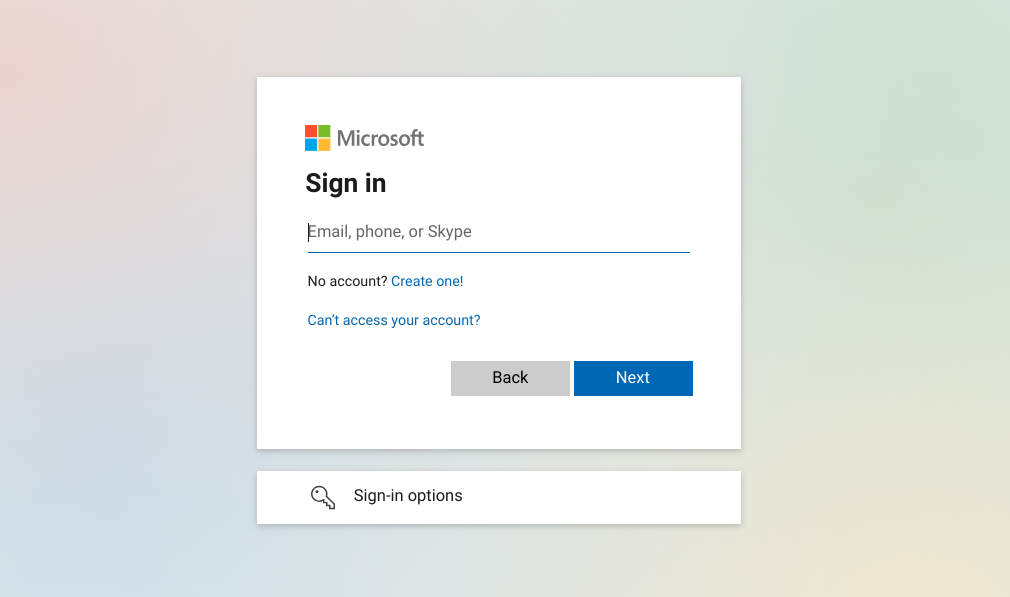
Standard Entra login window
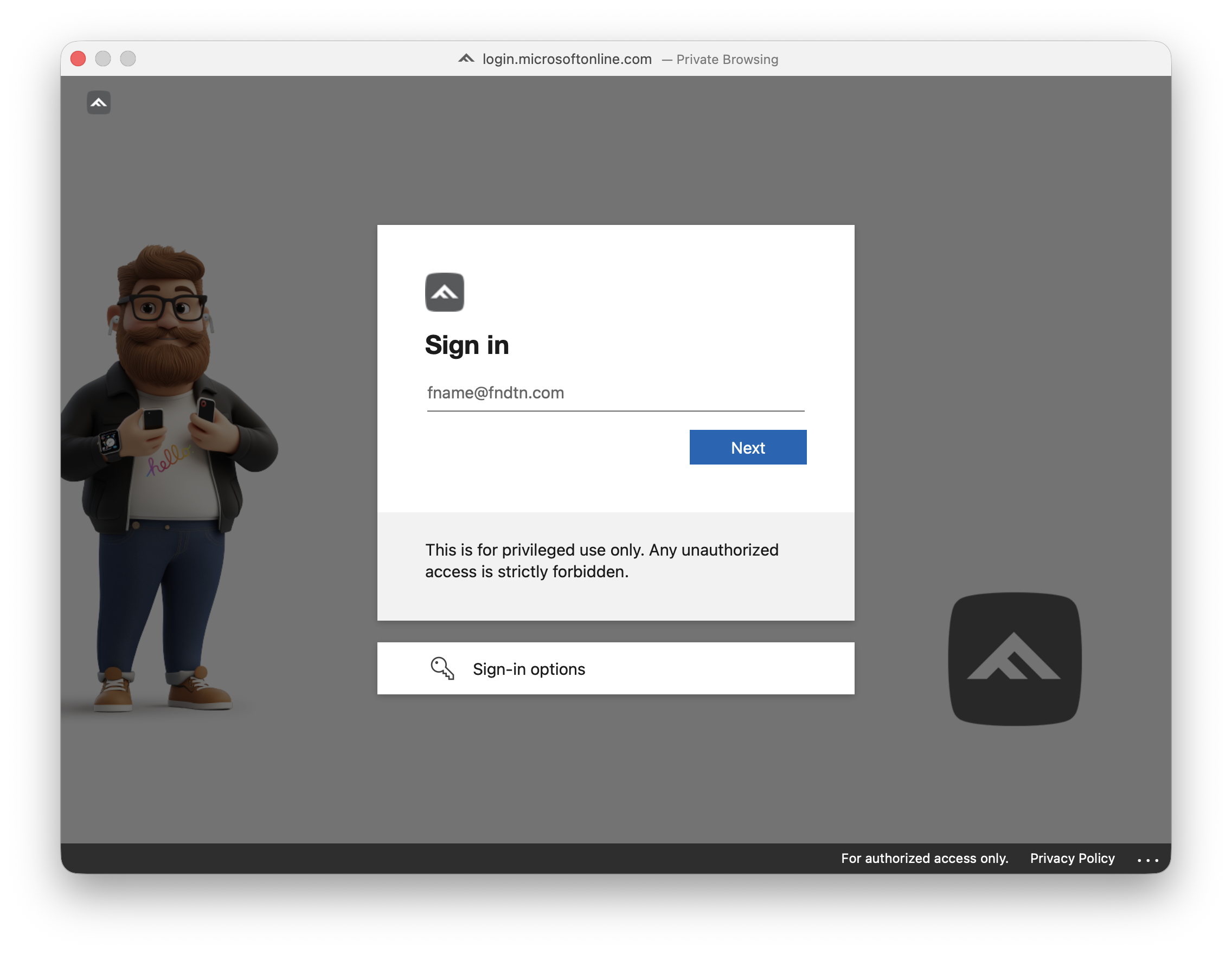
Custom branded login window
I want you to show me the way: Tracking enrollment progress
Most organizations have a default stack of software that gets installed during device onboarding. When a user finally lands at their Desktop, they shouldn’t have to wait for that software to install, especially if they’re going to use large application suites like Microsoft Office or Adobe Creative Cloud. There are numerous tools that will show a user their enrollment progress. For example, Jamf Setup Manager integrates easily into both Jamf Pro and Jamf School, while Baseline, a script written by Trevor Sysock (a.k.a. @BigMacAdmin) at Second Son Consulting, Inc., is MDM agnostic and can be used with just about any device management service. Both offer deeply customizable ways to configure computers, execute scripts, and install applications before the user takes over.
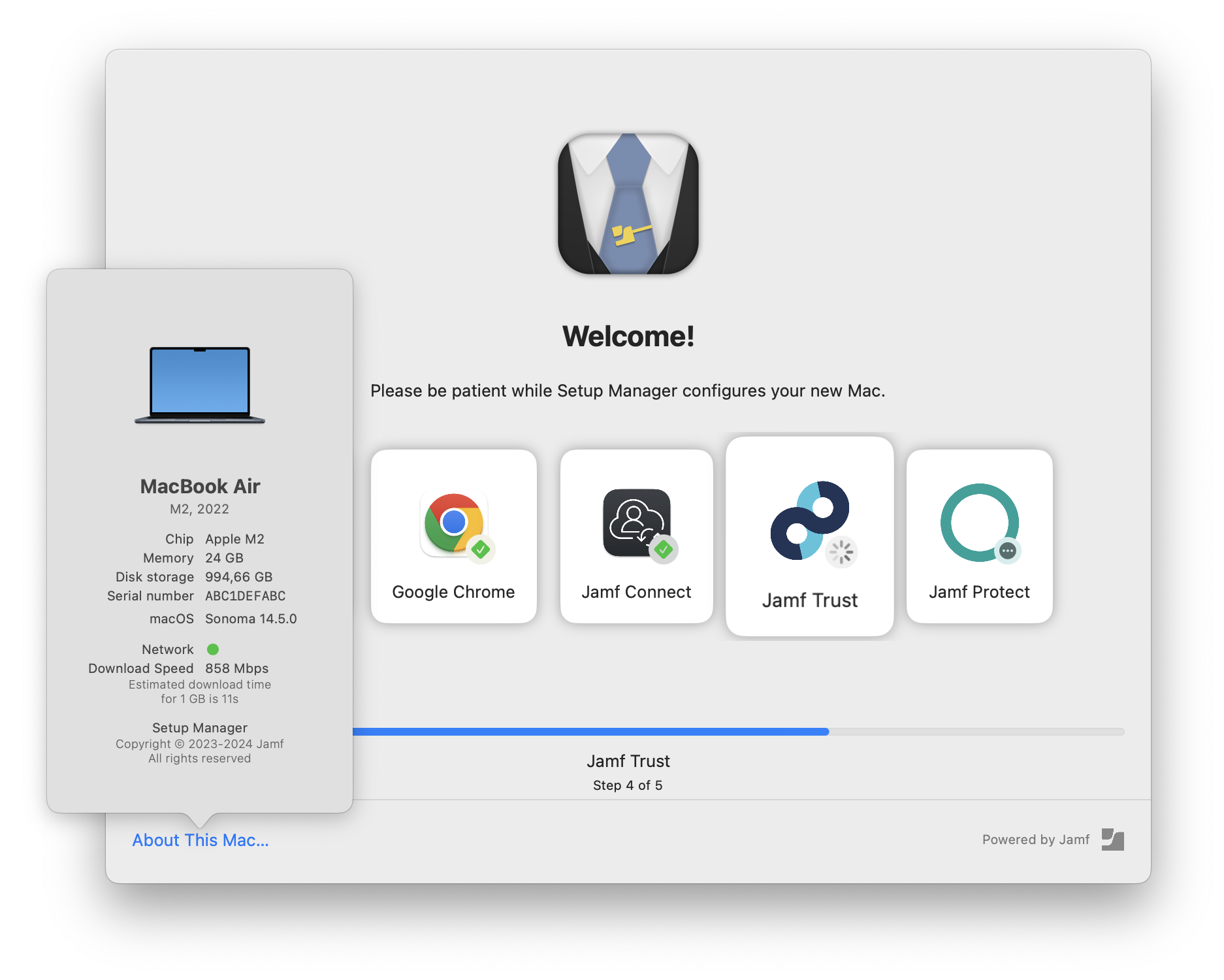
Jamf Setup Manager
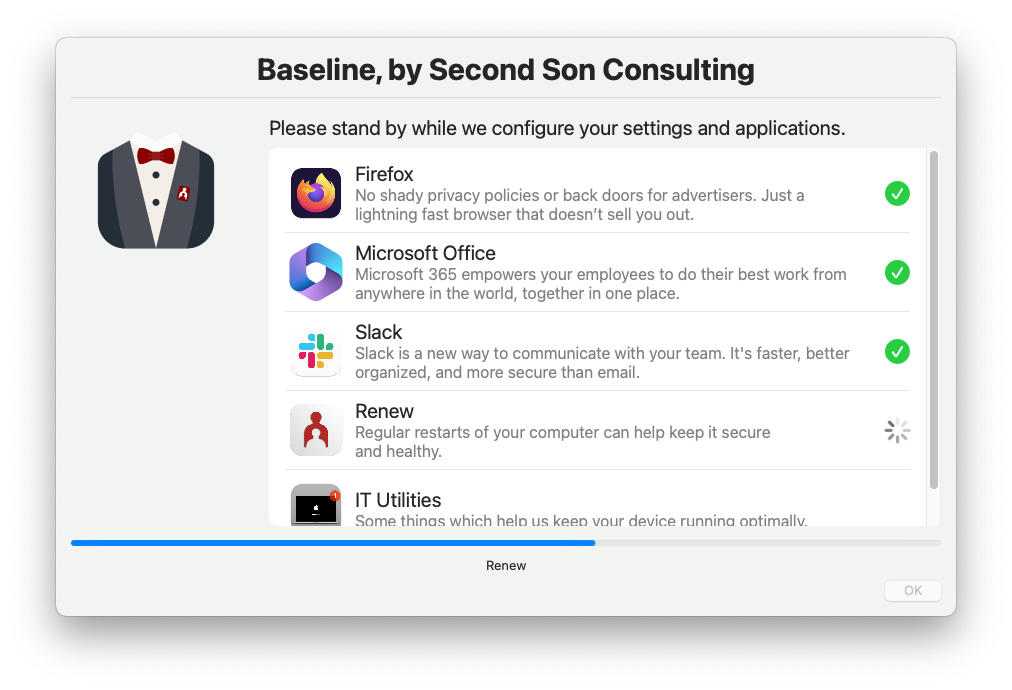
Baseline, by Second Son Consulting
Sending out an SOS: Notifying users and prompting them to do things
After the computer is enrolled and the user has all of the tools that they need to do their job, there will come times when they need to be notified or prompted to take action. swiftDialog is a versatile utility that admins can use to present messages to users and then prompt them to do things. For example, when it’s time to install the latest version of macOS, present the user with a button that will take them directly to System Settings. Or, if a computer hasn’t been restarted in a while, give the user a chance to restart now, or defer if they are working on something time-sensitive.
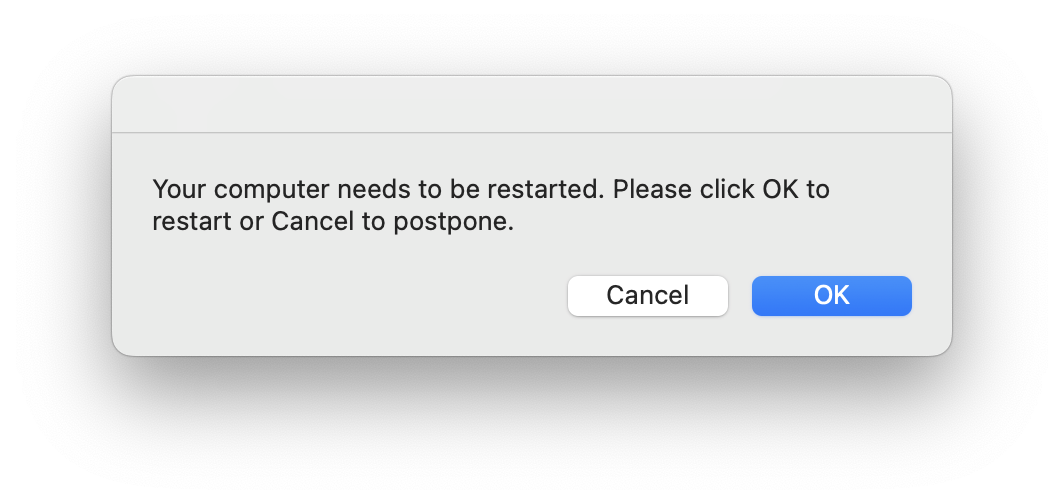
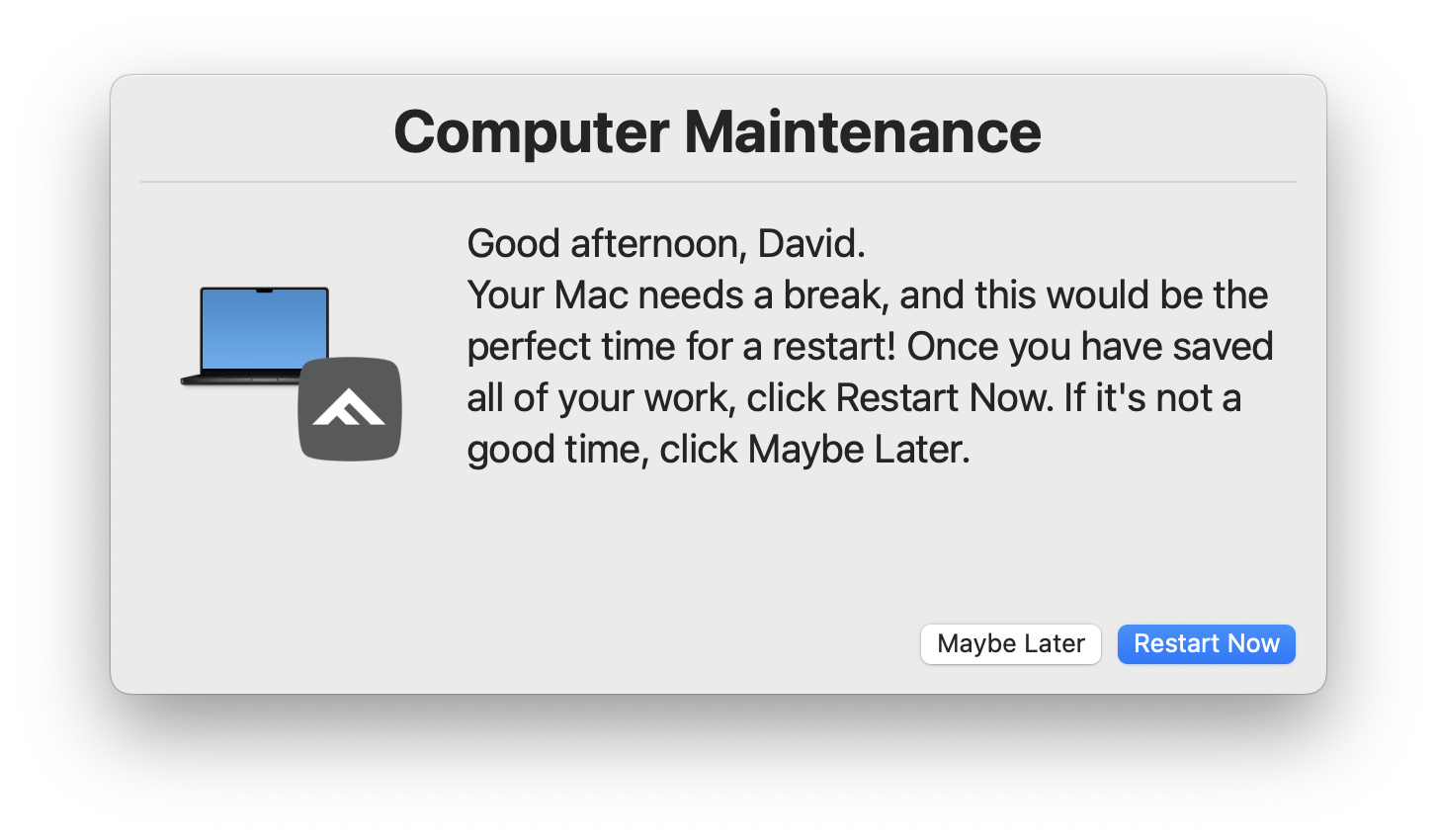
SwiftDialog custom notification
The Best is Yet to Come
As organizations continue to refine their technology strategy, the focus is shifting toward creating onboarding workflows that feel less like “IT processes” and more like a curated experience sets the user up for success as soon as they land on the Desktop. With the right combination of identity, automation, and communication tools, IT teams can reduce friction while giving users exactly what they need, exactly when they need it. At Foundation Technologies, we’re excited to help organizations take the next step in transforming onboarding into an experience that makes users feel welcome and that IT teams can be proud of.